
How It Works
How the local engine runs, how Wayland and X11 selection capture actually differs, what the interface adds, and what "zero latency" means, with measured figures.
A local orchestrator, not a cloud service
PiperRead is a thin Bash script that sits between your desktop and the Piper neural text-to-speech engine — it does not synthesize speech itself. Piper installs once, inside its own Python virtual environment, so it never touches the Python packages already on your system.
The network is involved exactly twice, each only once: pip downloads the Piper engine (about 75 MB, 200 to 250 MB once unpacked), and a voice model (an .onnx file, a few tens of megabytes) is downloaded the first time you pick one. After that, reading a selection is three local steps — capture the text, run it through the engine already on disk, play the resulting audio with aplay — and none of the three opens a network connection. No text you select or copy leaves the machine to be read aloud.
Reading the selection: Wayland and X11
PiperRead never types or pastes into another window — it only reads outward, from whatever is selected or copied, into the engine. That one-directional capture is the only place where Wayland and X11 take different paths, and the difference is a choice of tool, not a difference in behaviour:
| Source read | Wayland | X11 |
|---|---|---|
| Mouse selection (primary) | wl-paste --primary | xsel --primary |
| Clipboard | wl-paste | xsel --clipboard |
There is no check of XDG_SESSION_TYPE or any other session flag. read.sh tries the Wayland command first; if it is missing, or returns only blank characters, it falls back to the X11 command. Under Wayland, wl-paste succeeds and the X11 path is never reached; under X11, wl-paste is either absent or returns only blank characters, so xsel takes over instead. By default, PiperRead tries the mouse selection first and only reads the clipboard if nothing is selected; asking explicitly for selection-only or clipboard-only mode skips that fallback and reads only the one you named.
The interface
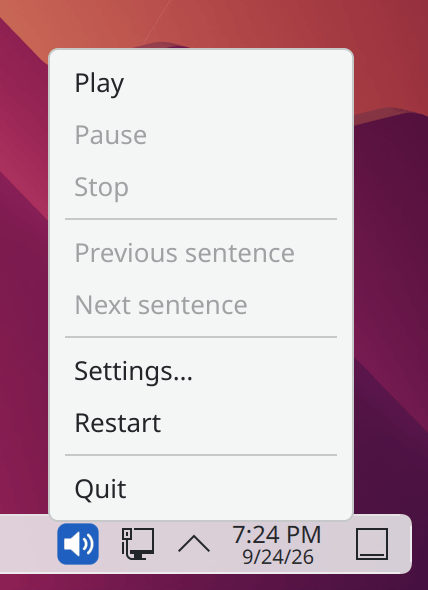
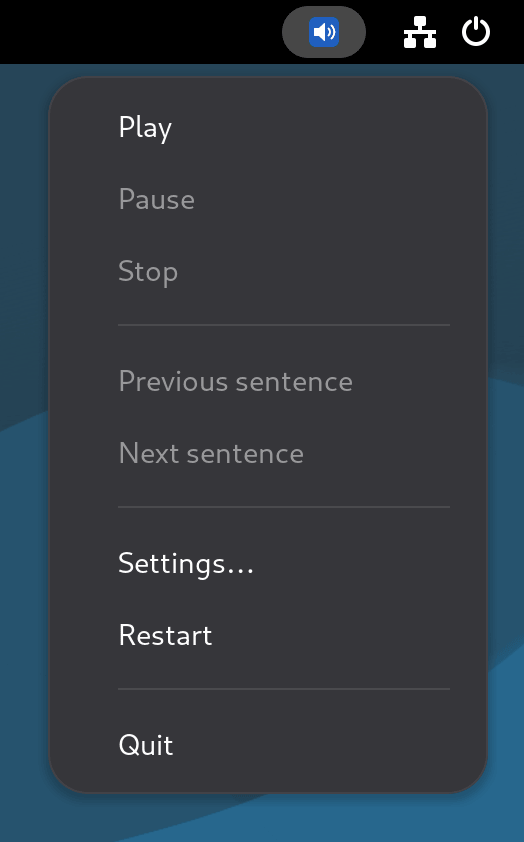
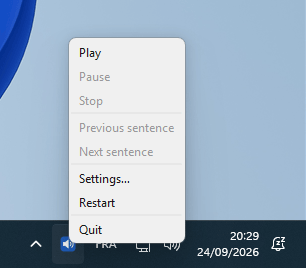
PiperRead also comes with an interface, in a separate package that the download page installs together with the launcher: a tray icon that starts with your session and keeps the voice loaded. It does not replace the launcher, and neither drives the other. It runs the Piper engine as a separate program that answers over HTTP, on 127.0.0.1 only and never on a network interface, and it captures the text like the launcher does (mouse selection, then clipboard) on Linux, or from the clipboard on Windows. It synthesizes the next sentence while the current one plays, which is what the second measurement below shows.
No usage events either
The inference library that Piper pulls in, onnxruntime, sends usage events to Microsoft by default. PiperRead turns them off before starting the engine: strace shows no connection to the outside while reading, with the launcher and with the interface. On Windows the library reports its events to the system instead of sending them itself, so PiperRead uses the library’s own switch; a measurement still found 4 initialisation events, against 15 without the switch. The setting telemetry=on turns them back on.
What “zero latency” means, and what was measured
“Zero latency” first states an architectural fact: because Piper runs as a local process, there is no network round trip between selecting a sentence and the first sound — nothing to wait on a remote server for. It is not a promise of a duration. Two durations were measured, and they are published here with their conditions.
| Path | Measured |
|---|---|
| Launcher: the voice is loaded at each click | 1.31 to 1.34 s from the launch to the first audio byte |
| Interface: the voice stays loaded, the next sentence is prepared while one plays | 168 ms from the click to the opening of the audio stream |
Measured on 23 September 2026, on Linux, on the maintainer’s machine (32 cores), with the fr_FR-siwis-medium voice. On another machine or with another voice the figures change: they give an order of magnitude, not a guarantee. The launcher pays about 1.3 seconds because it starts the engine and loads the voice at every reading. The interface pays that once, when it starts, and keeps the voice in memory: about 150 MB, up to 370 MB after use, and no processor time at rest.